




7-inch GPS navigators fit a common need: a screen that stays readable while you drive. Buyers in this size class want clear turn directions, easy map search, and enough screen space to spot the route quickly. Most people rely on lane guidance and voice prompts, since stopping to check the map is not realistic.
Picking a 7-inch model is harder than it sounds because trade-offs show up in five spots. First, navigation accuracy can vary even with the same map region. Second, screen brightness and touch response can lag, which matters when you enter addresses on the fly. Third, traffic support and voice control can be inconsistent across budget and brand models. Fourth, map update method affects how often routes match real roads. Finally, battery runtime changes how well the unit works on short errands without constant power.
To compare options by overall performance across screen sizes, you can also use our broader guide. Looking for all types? See our Best GPS Navigators.
Quick Overview
Our Top Picks
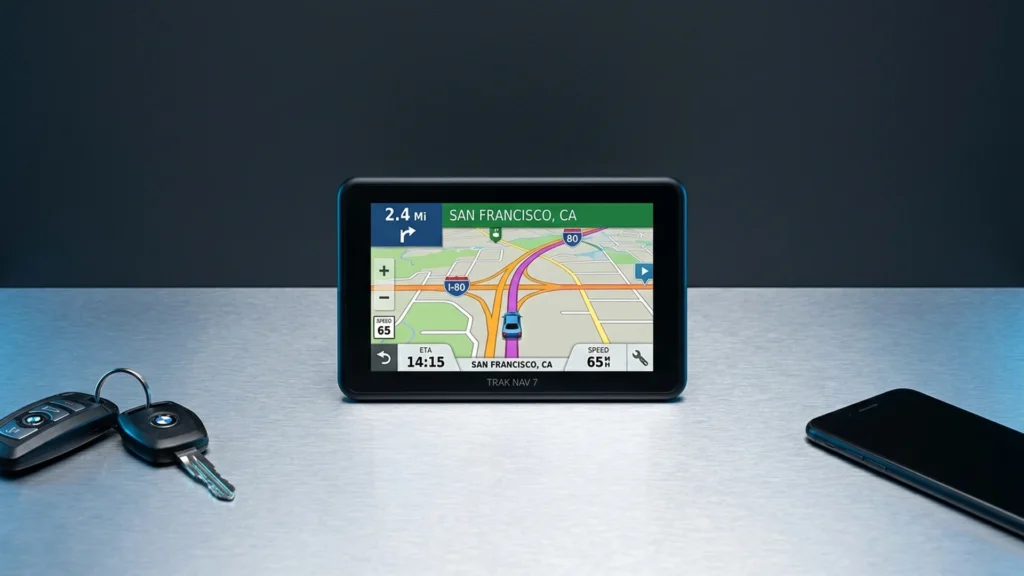
#1. Garmin DriveSmart 76 7" GPS Navigator

Specifications
| Brand | Garmin |
|---|---|
| Screen Size | 7 in |
| Map Coverage | North America |
| Traffic Updates | Live Traffic |
| Voice Control | Voice Control |
Pros
- Live traffic rerouting
- Larger, easier viewing
- Hands-free voice control
Cons
- Short trips, quick drop
For drivers choosing a 7-inch GPS in this category, the Garmin DriveSmart 76 stands out with live traffic rerouting and easy-to-read guidance. The larger screen makes lane-level directions simpler to follow at a glance, and the turn-by-turn updates stay responsive when conditions change. Hands-free voice control also helps when you need to adjust plans without taking your eyes off the road.
The main trade-off is battery practicality. It is better suited to riders who mostly use it plugged in, especially for quick stops and short trips. If you want one unit for longer unplugged drives, you may want to plan around charging more than you would with models that hold power longer.
#2. Rand McNally OverDryve 7C GPS Navigator

Specifications
| Brand | Rand McNally |
|---|---|
| Screen Size | 7 in |
| Screen Resolution | 1024 x 600 px |
| Voice Control | Voice Control |
Pros
- Clear lane guidance
- Sharper map text
- Hands-free voice control
Cons
- Less responsive or no touch
- Reroute inconsistency
- Short trips, quick drop
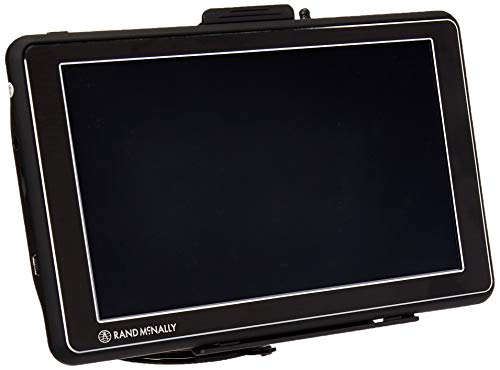
This 7-inch navigator stands out for in-car guidance that feels easier to follow. Lane guidance is clear, and map text looks sharper on its 1024 x 600 px screen. Hands-free voice control also helps keep your focus on the road, especially when you need to make quick changes mid-route. In a 7-inch GPS category where many screens are simply usable, this one reads more cleanly while driving.
The main trade-off is rerouting behavior. Some users report inconsistency when you miss a turn, and the device can feel less responsive than expected for interaction while you are moving. It is a better fit for drivers who mostly rely on guidance and voice, rather than frequent touch adjustments, and who take short, routine trips where you do not need constant recalculations.
#3. EONON 7 GPS Navigator

Specifications
| Brand | EONON |
|---|---|
| Screen Size | 7 in |
| Screen Resolution | 1024 x 600 px |
Pros
- Easy-to-read day visibility
- Sharper map text
- Strong value, no bloat
Cons
- Less responsive or no touch
- Offline maps required
- Short trips, quick drop
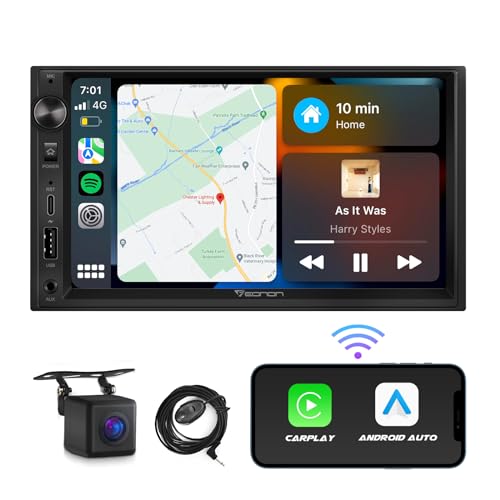
The EONON 7 GPS Navigator stands out in the 7-inch GPS class for its strong screen readability. Users report that the display stays easy to read in daylight, with sharper map text than many budget 7-inch models. For everyday driving and quick route checks, that clarity matters more than extra menus.
The trade-off is interaction and map setup. Reviews point to less responsive or no touch control, which slows down on-device changes. It also relies on offline maps, so first-time setup needs attention before you hit the road. This is best for drivers who want a big, readable screen and steady turn-by-turn guidance for short trips, not for people who need frequent, fast re-routing with touch.
#4. Rand McNally RVND 7 GPS Navigator

Specifications
| Brand | Rand McNally |
|---|---|
| Screen Size | 7 in |
| Touchscreen Type | Resistive Touchscreen |
Pros
- Strong value, no bloat
- Larger, easier viewing
- RV profile setup
Cons
- Poor standby battery life
- Unreplaceable battery
- Less responsive or no touch
Rand McNally RVND 7 stands out in the 7-inch navigator group because it is built around RV driving. You set up an RV profile first, then navigation can stay realistic for your vehicle. The 7-inch screen is big enough to read turns and route details without leaning close, which matters when you are steering a heavier rig. In day-to-day use, that RV-focused setup is the key reason people pick this model over standard car GPS units.
The main trade-off is battery behavior and touch input. Standby battery life is weak, and the internal battery is not user-replaceable, so you will want regular charging for longer trips. Touch control can feel less responsive than you want while driving, which can slow down typing in destinations. This model fits best for RV owners who care more about route behavior for their rig than about a long unplugged runtime or ultra-smooth touch interaction.
What to Look For
Navigation accuracy and rerouting: Prioritize units that re-plan fast after a missed turn. Look for reports of correct lane guidance and point of interest search that does not jump to the wrong result.
Readable 7-inch display: Check screen size and resolution together. A 7-inch screen should stay sharp at a glance, with touch controls that respond quickly. If reviews mention washed-out visibility or slow touch, skip it.
Maps, update type, and region fit: Confirm the map coverage matches where you drive most. Also check the map update method, since Wi-Fi updates and subscriptions can be burdensome compared with lifetime updates.
Traffic and voice control usefulness: Choose Live Traffic or Traffic Alerts if you drive in congested areas. For voice, look for reliable Voice Control that understands common requests without constant re-trying.
Battery life for unplugged use: Even if you mostly run power from the car, you still want steady battery performance for quick stops. Compare battery life in hours and favor models that keep charging needs minimal over short trips.
How We Picked
Products were identified through broad research across review sites and buyer forums, then filtered to only those that qualify as 7-Inch GPS Navigators.
Scoring used the same objective pillar framework as the main GPS Navigators post, allowing direct comparison of products within this sub-category.
Frequently Asked Questions
Are 7-inch GPS navigators easy to read in bright daylight?
They can be, if they use a bright, high-contrast screen. A larger 7-inch display usually gives better readability than smaller screens. Look for strong daylight visibility and responsive touch so you can change settings while stopped.
What map coverage should I expect from a 7-inch GPS navigator?
Most models offer region-wide coverage like North America or Europe. Some units also support Global maps, depending on the version. Check the coverage region before you buy, especially if you travel outside your home country.
How do map updates and traffic updates work on 7-inch GPS navigators?
Map updates are often lifetime, via Wi-Fi, or through a subscription. Live traffic can appear as Live Traffic or Traffic Alerts, depending on the service. If live traffic is a must, verify how it connects and whether it requires a phone or a built-in option.
When should I choose a different type of GPS navigator instead of a 7-inch model?
Choose a smaller or more basic type if you want lowest cost and simple turn guidance. Choose a larger unit if you need more lane detail and quicker glance reading. If you travel for off-road or RV-specific needs, you may want a specialized navigator rather than a general 7-inch model.
How do 7-inch GPS navigators compare to smaller GPS navigators for day-to-day driving?
A 7-inch screen is usually easier to read at a glance, especially for lane guidance and road names. Smaller models can still work well, but text and icons may feel cramped. If you drive a lot in traffic or take complex exits, the extra screen space helps.


