


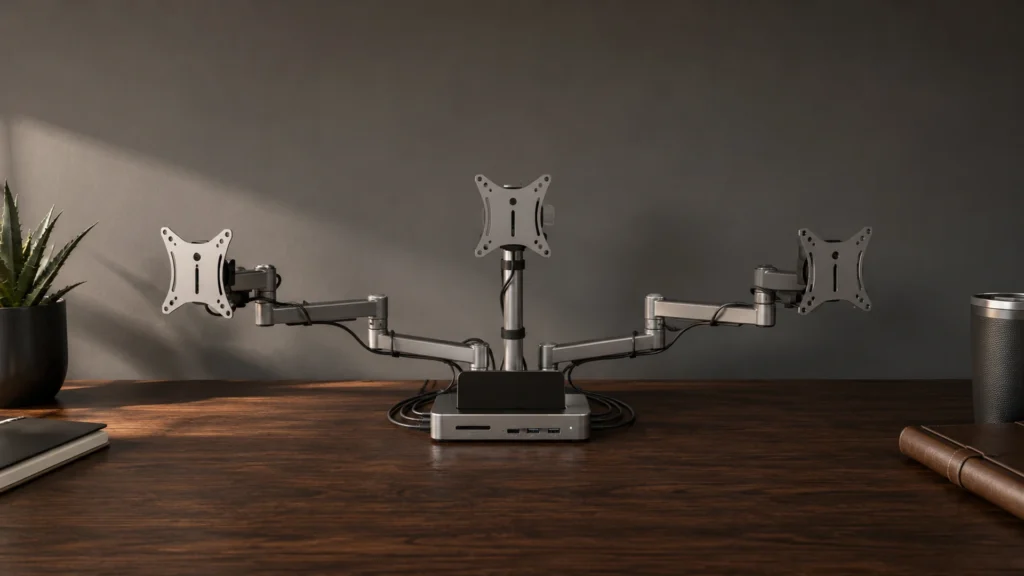



#1. Anker Nano 13-in-1 Docking Station

Specifications
| Brand | Anker |
|---|---|
| Host Connection | USB-C |
| Max Displays Supported | 3 Displays |
| Video Output Ports | 2 x HDMI, 1 x DisplayPort |
| Power Delivery | 100 W |
| Usb Ports Total | 5 Ports |
| Ethernet Speed | 10 Gbps |
| Memory Card Reader | SD/microSD |
Pros
- Stable PD under load
- Reliable sleep/wake behavior
- Well-balanced workstation ports
Cons
- Mac mirroring limitation
- Adapter-spec search friction
For triple-monitor desk setups, this Anker dock stands out for how consistently it stays stable while you work. With USB-C host support and 3-display output using 2 x HDMI and 1 x DisplayPort, it is a strong fit for the typical “laptop closed, monitors on” routine. Users also report steady power delivery while peripherals are running, which matters when the dock is handling video, storage, and charging at the same time.
The main trade-off is compatibility around macOS mirroring, which can limit the way displays behave compared to Windows. Also, if you do not already have the right cable or adapter for your laptop, figuring out the exact setup can take a little trial and error. This dock is best for people who want reliable multi-monitor behavior and a straightforward workstation port mix.