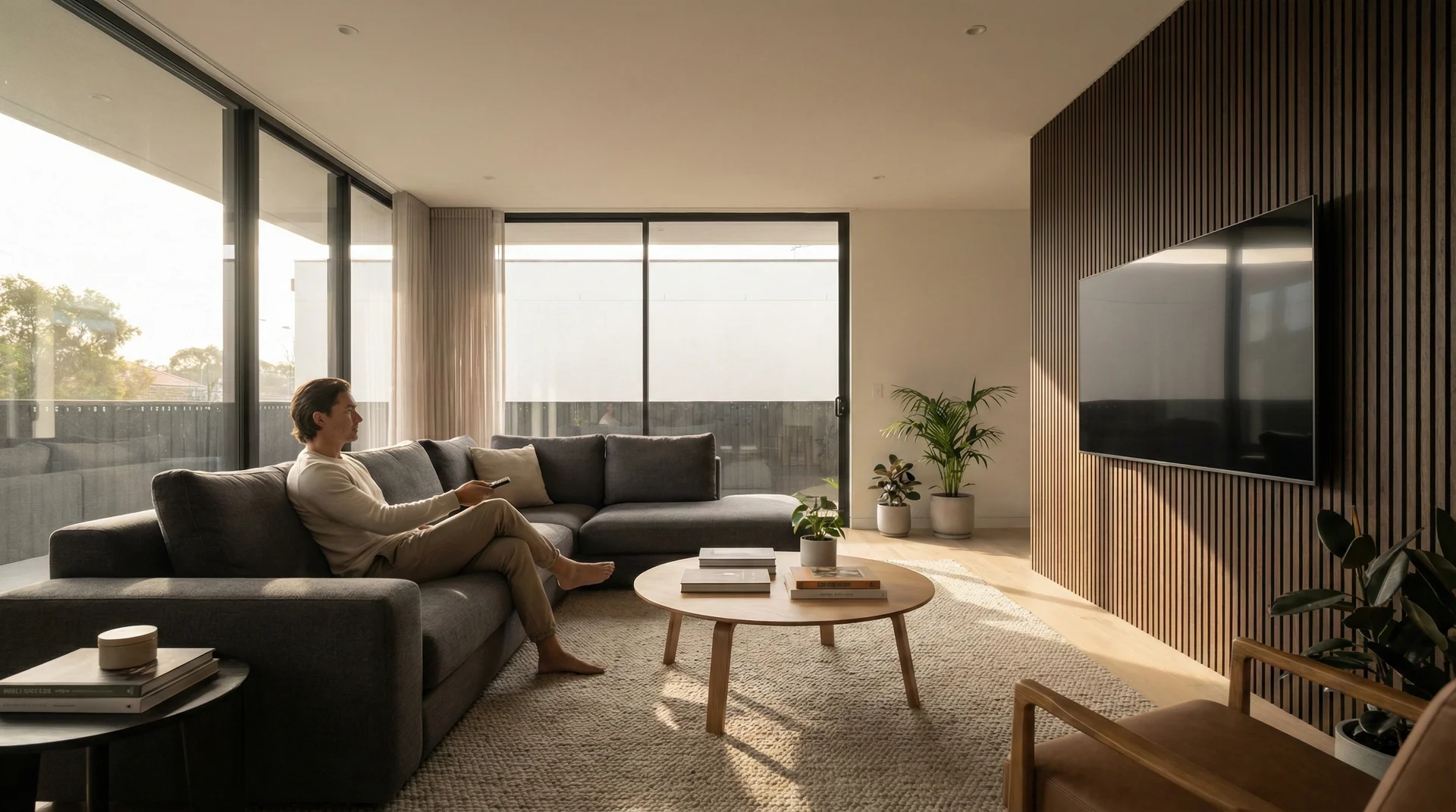
We’ve all been there—standing in the middle of a brightly lit electronics store, staring at a wall of glowing screens that range from modest monitors to behemoths that look like they belong in a commercial cinema. In the store, every TV looks smaller than it actually is because of the cavernous ceilings and massive floor space. But the moment that 85-inch beast arrives at your front door, reality sets in. Suddenly, your living room feels like a broom closet, and you’re sitting so close to the screen that you can practically see the individual pixels on the news anchor’s tie.
Choosing the right TV size isn’t just about buying the biggest screen your budget allows. It’s a delicate balance of physics, biology, and interior design. If the screen is too small, you’ll find yourself squinting to catch the score of the big game. If it’s too large, you’ll experience eye strain and the dreaded ‘tennis match effect,’ where your head has to swing back and forth to follow the action. In this guide, we’re going to break down the science and the art of selecting the perfect screen size to ensure your home viewing experience is nothing short of spectacular.
The Relationship Between Distance and Screen Size
The most critical factor in your decision is the distance between your primary seating area and the TV. This isn’t just a suggestion; it’s based on the human eye’s field of vision and how we perceive detail. To get the most out of your investment, you want the screen to occupy a specific portion of your field of vision without overwhelming it.
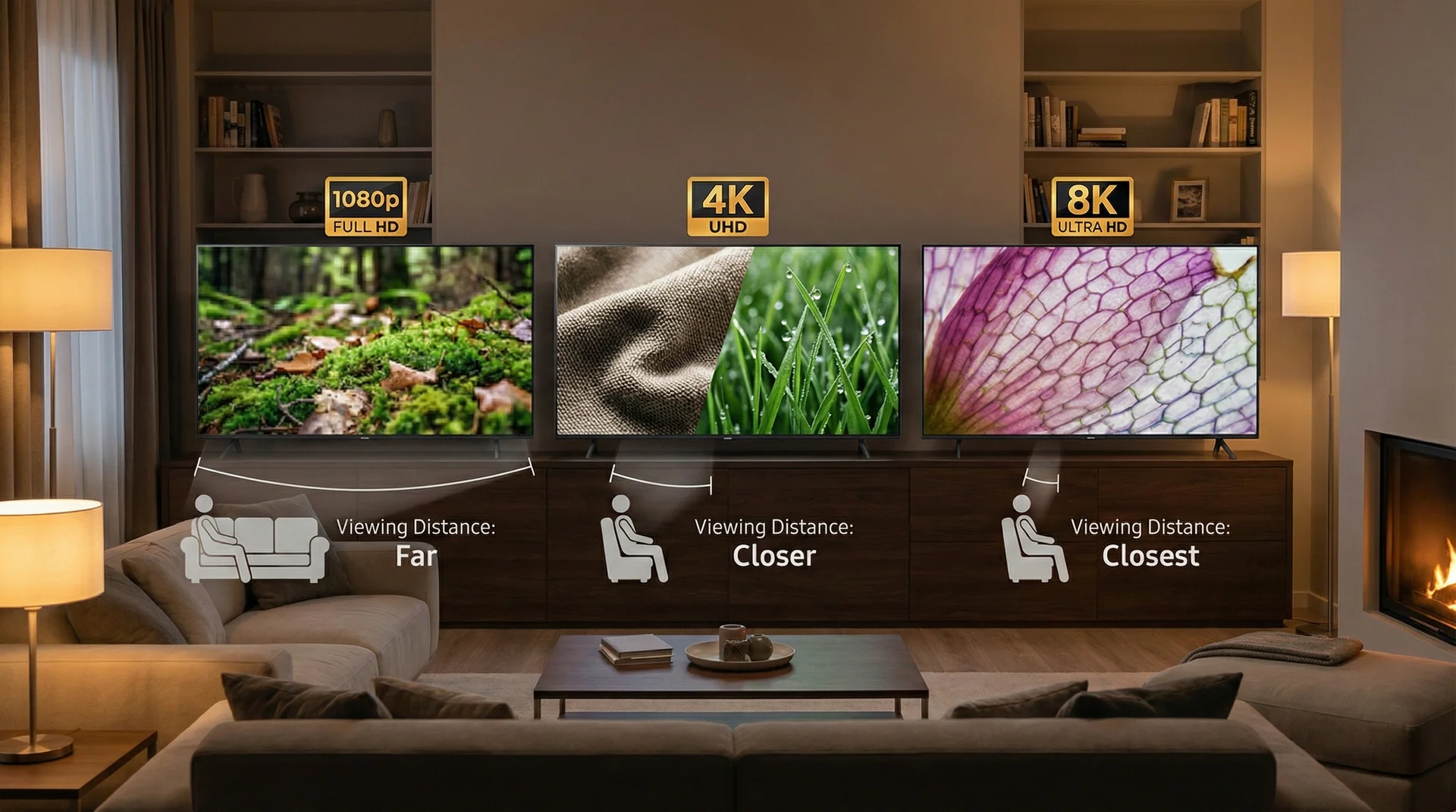
The general rule of thumb used by industry experts and home theater enthusiasts is the 1.5 to 2.5 times rule. This means that for a high-definition (1080p) television, your seating distance should be between 1.5 and 2.5 times the diagonal length of the screen. However, with the advent of 4K Ultra HD, these rules have shifted significantly. Because 4K TVs have four times the pixel density of 1080p sets, you can actually sit much closer to a larger screen without seeing the ‘screen door effect’ (where you can see the lines between pixels).
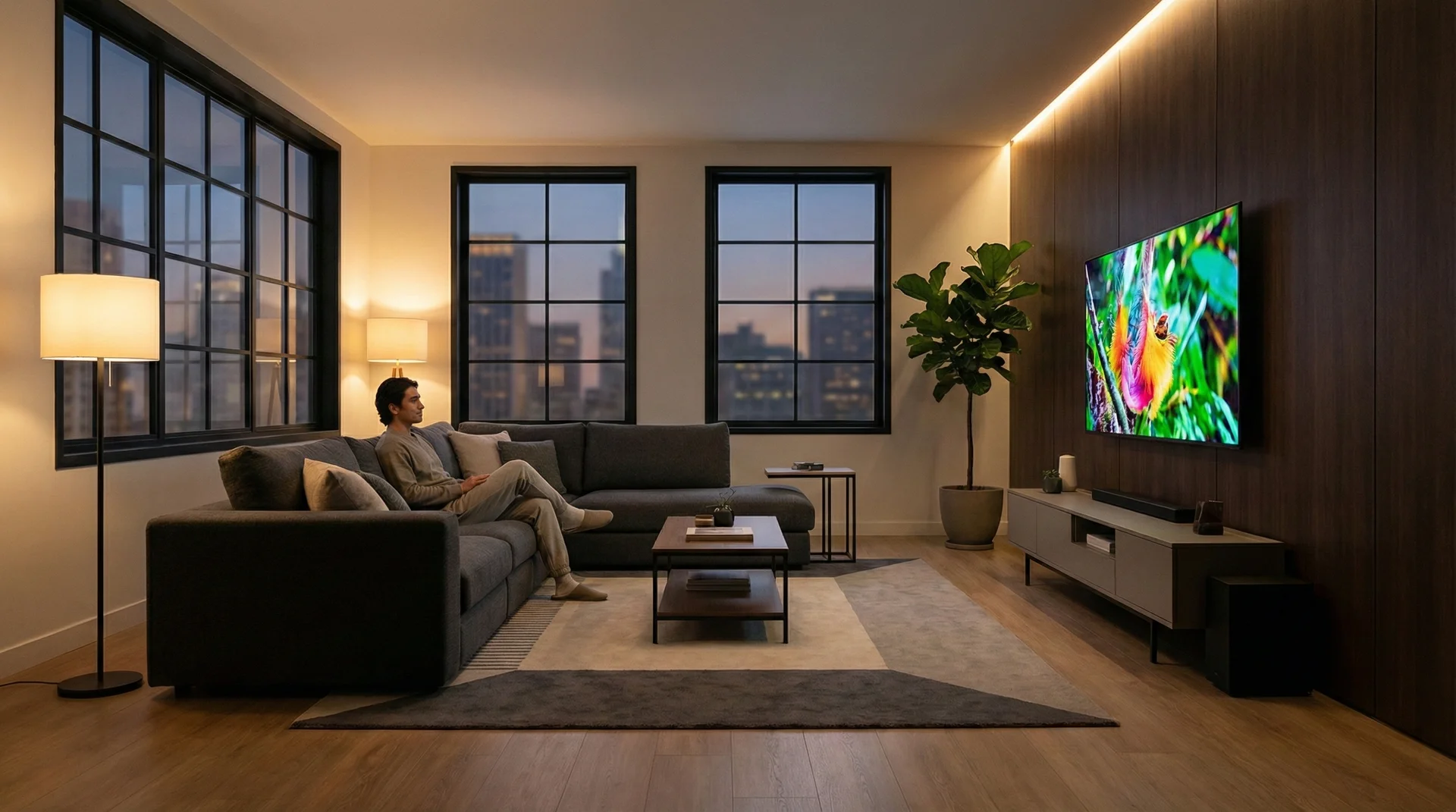
For a modern 4K TV, many experts now recommend a simpler calculation: a viewing distance of approximately 1 to 1.5 times the screen size. For example, if you have a 65-inch 4K TV, the sweet spot for seating is usually between 5.5 and 8 feet away. If your sofa is 10 feet back, you might actually want to consider stepping up to a 75 or even an 85-inch screen to maintain that immersive feel. Conversely, if you’re in a tight apartment where the couch is only 4 feet from the wall, a 50-inch screen is likely your maximum comfortable size.
Why Resolution Matters: From 1080p to 4K and Beyond
Resolution is the number of pixels that make up the image on the screen. The higher the resolution, the more pixels there are, and the closer you can sit before the image starts to look ‘blocky’ or pixelated. This is why resolution and size are inextricably linked. If you buy a massive 85-inch TV that only has 1080p resolution (though these are rare now), the image would look blurry and soft because the pixels are stretched across such a large area.
With 4K resolution being the current standard, the ‘optimal’ viewing distance has decreased. This allows for larger screens in smaller rooms. When you sit at the correct distance for a 4K screen, your eyes can resolve all the fine details—the texture of a character’s clothing, the individual blades of grass on a stadium field, or the subtle gradients in a sunset—without seeing the technical limitations of the screen itself.
Then there is 8K. While 8K content is still in its infancy, 8K televisions are readily available. These sets have double the horizontal and vertical resolution of 4K. Technically, this means you could sit even closer to an 8K screen than a 4K one. However, for most home environments, the benefit of 8K is less about sitting closer and more about being able to go even larger with the screen size (think 98 inches and above) while maintaining absolute clarity. For the average living room, 4K remains the ‘Goldilocks’ zone for size and value.
The Sweet Spot for Different Resolutions
To visualize this, imagine a 65-inch TV. If it’s an old 1080p model, you’d want to sit about 8 to 11 feet away. If it’s a 4K model, that distance drops to 5 to 8 feet. This change is what has fueled the trend of ‘TVs getting bigger.’ It’s not just that we want bigger screens; it’s that the technology now allows us to have them without sacrificing image quality in standard-sized rooms.
The Cinematic Viewing Angle: THX vs. SMPTE
If you want to replicate the feel of a movie theater, you need to consider the ‘Field of View’ (FOV). This refers to how much of your vision the screen takes up. Two major organizations provide guidelines for this: THX and the Society of Motion Picture and Television Engineers (SMPTE).
SMPTE recommends a 30-degree field of view for general media consumption. This is a comfortable angle for watching the news, sports, or casual sitcoms. It doesn’t require much eye movement and feels natural for long-term viewing. On the other hand, THX, which focuses on the cinema experience, recommends a 40-degree field of view. This wider angle creates a sense of immersion, drawing you into the world of the film and making the screen feel ‘big.’
To achieve a 40-degree field of view, you generally need a much larger TV than most people expect. For a viewer sitting 9 feet away, THX would suggest a screen size of approximately 90 inches. While that might sound extreme for a standard living room, it highlights why many enthusiasts are moving toward ultra-large TVs or projectors for their dedicated media spaces. If your goal is strictly ‘immersion,’ don’t be afraid to go slightly larger than the standard charts suggest.
Room Functionality and Placement Strategy
Calculations and viewing angles are great on paper, but they don’t always account for the reality of your home. You need to consider the physical constraints of the room and how it is used. Is this a multi-purpose living room where people frequently walk past the TV? Is it a dark, dedicated basement theater? Or is it a bedroom where you’ll be watching from a reclined position?
In a shared living space, a TV that is too large can become the ‘black hole’ of the room, sucking all the visual attention away from decor, windows, and conversation areas. If aesthetics are as important as performance, you might choose a slightly smaller size or look into ‘lifestyle’ TVs that look like framed art when not in use. Additionally, consider the furniture. A 75-inch TV requires a very wide console if it’s not being wall-mounted. Always measure your furniture width before buying; there’s nothing worse than unboxing a new TV only to realize the legs are wider than the stand it’s supposed to sit on.
Lighting also plays a role. In a bright room with many windows, a larger screen might suffer more from reflections. In this case, you might prioritize a high-quality screen with an anti-reflective coating over sheer size. Conversely, in a dark room, a large, bright screen can be overwhelming, so you’ll want to ensure you have proper bias lighting (LED strips behind the TV) to reduce eye fatigue.

Step-by-Step: How to Measure Your Room Like a Pro
Before you hit the ‘buy’ button, follow these practical steps to ensure you’ve picked the right size. Don’t rely on your ‘gut feeling’ in the store—rely on measurements.
- Measure your viewing distance: Sit in your favorite spot on the couch and measure the distance to the wall where the TV will live. Convert this to inches.
- Apply the 4K math: Divide that distance in inches by 1.2. This will give you a great starting point for a screen size that offers a balance of immersion and comfort.
- The Cardboard Trick: This is the most effective way to visualize a TV. Cut out a piece of cardboard (or use painter’s tape) in the dimensions of the TV you are considering. Tape it to the wall. Leave it there for a day. If it feels like it’s looming over you, go smaller. If it looks tiny on the wall after a few hours, you can probably go bigger.
- Check the height: The size of the TV also dictates its height. Ensure that the center of the screen will be at or near eye level when you are seated. If a 85-inch TV forces you to look up at a steep angle, it’s too big for your mounting setup.
Avoiding the Most Common TV Setup Blunders
Even with the right size, placement can ruin the experience. One of the most common mistakes is the ‘TV over the fireplace’ trend. While it looks neat in interior design magazines, it almost always places the TV too high. This leads to neck strain and poor image quality, as many LED screens lose color accuracy when viewed from an angle.
Another blunder is ignoring the ‘footprint’ of the TV stand. If you aren’t wall-mounting, remember that large TVs have varied stand designs. Some use a central pedestal, while others use ‘duck feet’ at the very edges of the frame. If you have a 60-inch wide stand and buy a 75-inch TV with edge-mounted feet, the TV simply won’t fit. Always check the ‘stand width’ specification in the product details.
Finally, don’t forget the sound. As TVs get larger and thinner, the space for quality speakers disappears. A massive 85-inch image with tiny, tinny sound creates a ‘cognitive dissonance’ that breaks immersion. If you are going big on the screen, budget for at least a high-quality soundbar or, ideally, a dedicated surround sound system to match the scale of the visuals.
Final Verdict: Choosing Your Size
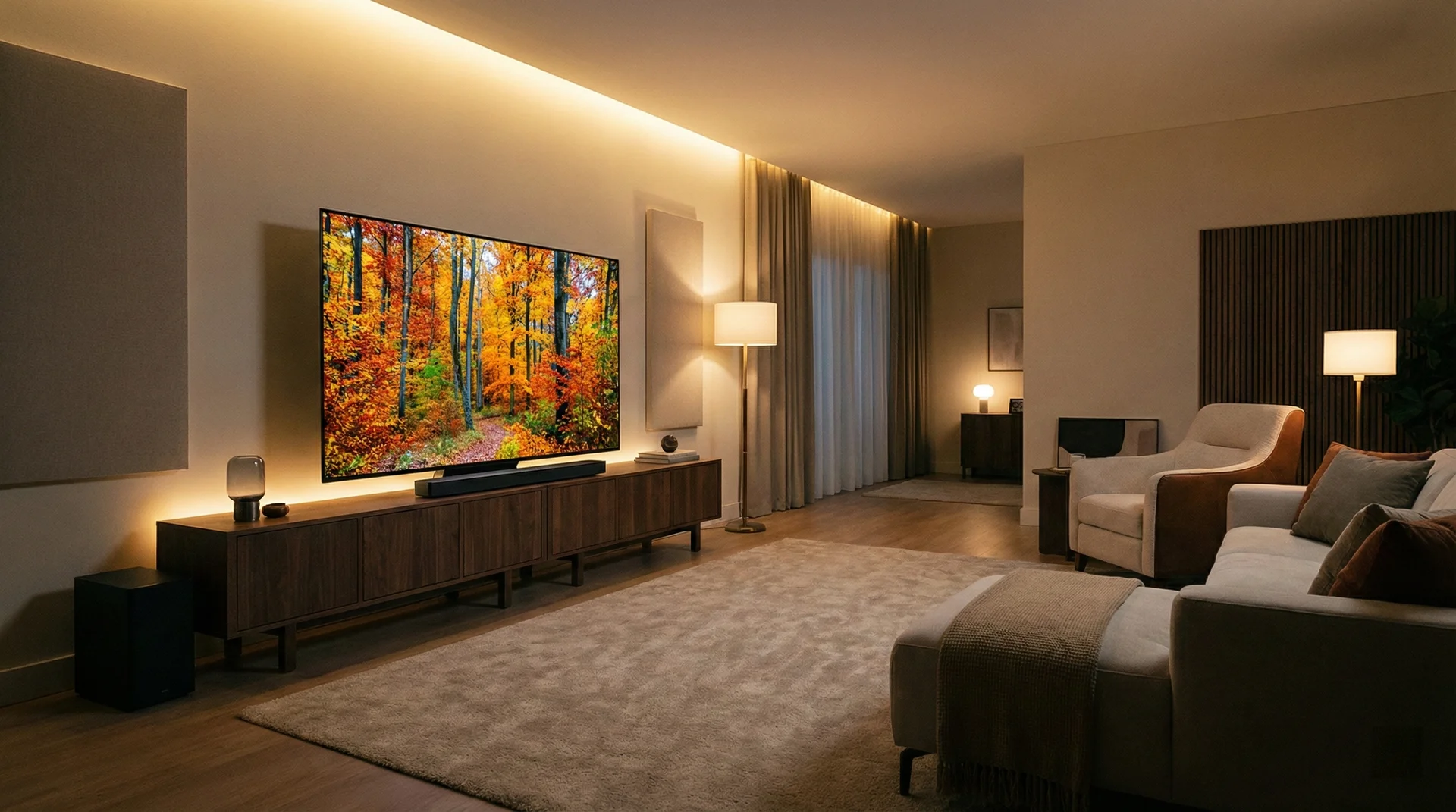
At the end of the day, selecting the right TV size is a personal choice that involves a mix of technical recommendations and lifestyle needs. While the 1 to 1.5 times distance rule for 4K TVs is the best scientific starting point, your eyes and your room layout are the final judges. If you’re a cinema buff who wants to feel lost in a movie, lean toward the larger end of the spectrum. If you mostly watch news and casual TV, or if you have a smaller room with lots of light, a more conservative size might serve you better.
Remember: nobody ever really complains that their TV is slightly too big after a week of owning it, but the regret of buying a screen that feels too small stays with you every time you pick up the remote. Measure twice, use the cardboard trick, and prepare to enjoy a much-improved home entertainment experience.