





How to Prevent and Clear a Card Shuffler Jam
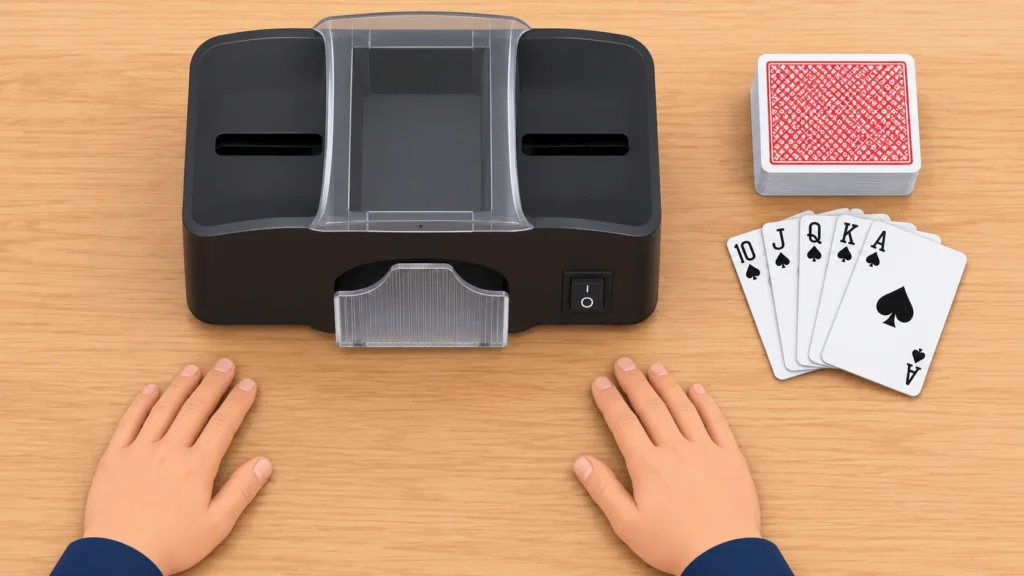
A card shuffler jam is a reason to stop, not to press the button harder. Forcing a motorized mechanism can worsen a blockage or damage cards. The safer approach is to stop the cycle, make the device safe to handle, remove only cards that come free easily, and check whether the load or cards may have contributed. If a card is trapped inside the mechanism or the shuffler jams again, stop and consult the instructions for your exact model.
This guide covers basic troubleshooting for small consumer shufflers, not repair of commercial or casino equipment. Models differ, so use the manual for the correct shutdown, tray removal, loading, and restart procedure. If you are choosing a machine rather than troubleshooting one, see our card shuffler Top Picks guide.
1. Stop the cycle and make the shuffler safe
Release the button or switch the shuffler off as soon as cards stop moving normally, bunch up, or emerge unevenly. Do not keep restarting it in an attempt to push cards through. If the manual instructs you to unplug the unit or remove its batteries before clearing a jam, follow that instruction. Disconnect a power source only if you can reach it without opening the housing. For a rechargeable model, follow its stated shutdown procedure and heed any model-specific warning about handling or operating the unit while charging.
Place the shuffler on a stable surface. Keep your fingers away from moving parts and feed openings. Do not open the casing, reach into the drive area, or insert tools to fish out a card. A card edge you can see is not necessarily safe to pull: if you cannot grip it without reaching into the mechanism, leave it in place and look for an approved access method in the manual.
2. Remove accessible cards without pulling against resistance
Take out cards that are loose in the loading slots or collection area. Follow the manual for removing a tray or other accessible parts; do not assume that every tray detaches or that pulling on it is safe. Product descriptions illustrate why the procedure can vary: one listing describes a two-deck shuffler whose cards collect in a tray, while another describes a model operated by pressing and holding its button. These are descriptions of those products, not universal jam-clearing instructions (two-deck shuffler listing; separate two-deck shuffler listing).
Pull a card only if it is clearly free and comes away with light, even pressure. If it catches, bends, tears, or resists, stop. Do not yank or twist it, and do not use scissors, tweezers, screwdrivers, or other tools in the feed path. Once loose cards are out, check whether any remain visibly trapped. Let the manual—not trial and error—determine whether there is a user-accessible release or another safe step.
3. Check the load and the deck
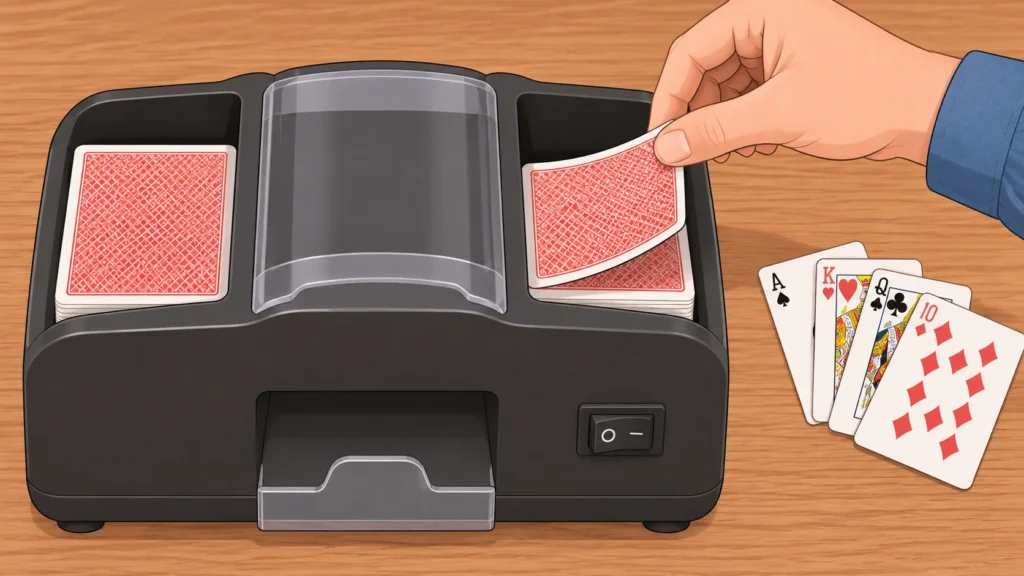
Before considering another run, compare the number of cards and their size with the limits in your shuffler’s manual. Remove extra cards, or divide the deck into smaller loads, only if the instructions allow it. A stated two-deck capacity does not establish that every card format, deck condition, or combination of cards is supported. The linked listings describe two-deck products, but they cannot confirm compatibility for your machine or every deck.
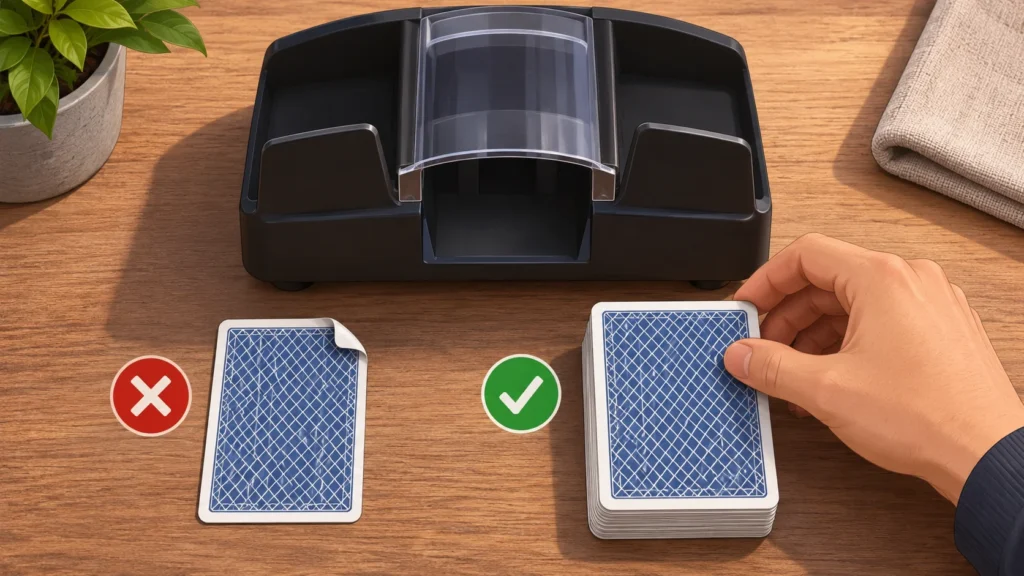
- Look for damaged cards. Set aside cards with curled corners, creases, tears, or other visible damage that could catch during feeding. Do not put a damaged card back into the machine just to see whether it jams again.
- Check whether the cards match. If the deck combines different sizes or thicknesses, or has unusually slippery or sticky surfaces, check the manual for supported card types. If compatibility is unclear, shuffle by hand instead.
- Reload neatly. Align the cards as the instructions show and use the correct slots. Do not push a stack into an opening that does not accept it freely.
- Check the receiving area. Remove loose cards from the tray or output area only if the manual permits, and position the tray as instructed.
4. Decide whether a cautious retry makes sense
A retry is reasonable only if the jam is fully cleared, no card is visibly trapped, the cards appear undamaged, and the load matches the manual. Reload the permitted number of cards, position any removable parts as instructed, and use the normal control once. Stay nearby and stop immediately if cards hesitate, feed unevenly, or jam again. Repeatedly cycling the machine is not a safe way to test it.
Illustrative example: Suppose a shuffler jams while handling two decks, but the manual says to use one deck with the card size at hand. After removing loose cards safely, do not repeat the two-deck load. Set aside the extra cards and try a single-deck load only if the manual confirms that both the card format and the procedure are supported. If it does not, use hand shuffling or ask the maker for guidance.
5. Know when to stop using it
Stop using the shuffler if it jams again, makes a new or unusual sound, smells hot or burnt, shows visible damage, or still fails to operate normally after you have checked the load. Turn it off and follow the maker’s service or support instructions. Do not open the housing, adjust gears, lubricate parts, clean internal sensors, or replace components unless the manual specifically says that task is suitable for the user. Advice for industrial machines—or repair suggestions attached to an unrelated product listing—should not be treated as instructions for a tabletop model.
When you contact the manufacturer or seller, note the model name, the cards and number of cards loaded, which control you used, what happened, and whether any card was damaged. This gives support staff useful context for locating the right instructions. Check the actual warranty terms before attempting a repair. If the prescribed clearing steps are unclear, or a card cannot be removed without force, leave the machine off and seek model-specific help.
Reduce the chance of another jam
Prevention starts with the same checks that guide a safe retry: use only the card types and load allowed by the manual, set aside damaged cards, and load the cards and tray as instructed. Keep the feed area clear of loose objects, and do not improvise cleaning or maintenance inside the housing. If the same deck repeatedly causes trouble while other supported cards feed normally, stop using that deck in the machine and check compatibility with the maker. If jams occur with different permitted loads, treat the problem as a possible fault rather than continuing to experiment.