





White Noise Machine Won’t Turn On? Troubleshooting Guide
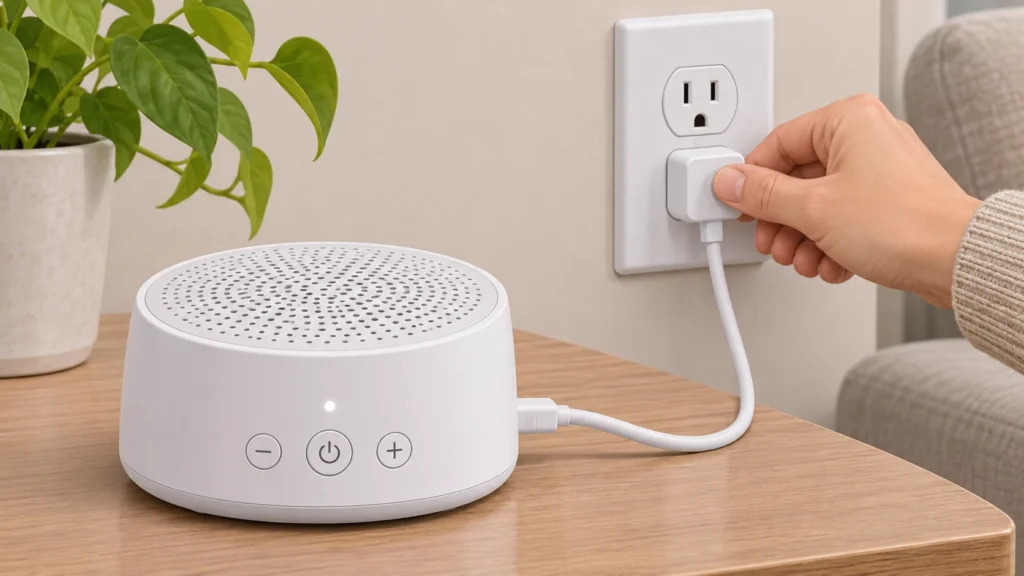
If a white noise machine will not turn on or play sound, start with simple, reversible checks before assuming it is broken. First identify whether the problem is power, a connection, a control setting or sound output. The exact controls and power setup vary by model, so use the manual for your machine whenever available; the steps below are general checks, not a substitute for model-specific instructions.
1. Start with a safe power check
Look at how the machine is meant to receive power: it may plug into a wall outlet, use a USB cable, or run on batteries. Check the label or manual rather than assuming a charger or cable is suitable. For example, the Romacci A800 manual says that model has no built-in battery and calls for the included charging cable; it also warns users to check that the adapter matches the product’s marked requirements. Those details apply to the A800, not to every sound machine. Read the Romacci A800 manual.
- Confirm the outlet or power source works by checking it with another appropriate device, if safe to do so.
- Check that the machine’s plug and any detachable cable are fully seated at both ends. Do not force a connector that does not fit.
- If the device uses replaceable batteries, check the manual for battery type and orientation. If it uses rechargeable batteries, follow the maker’s charging instructions.
- If the cable, plug or device looks damaged, feels unusually hot, or has been exposed to liquid, disconnect it if you can do so safely and stop using it. Do not open the casing or try an unapproved adapter.
After checking the connection, try the normal power control once. If there is still no sign of power, avoid repeatedly plugging and unplugging a damaged-looking device. Check the warranty or contact the maker or seller for model-specific help.
2. Check the controls and sound setting
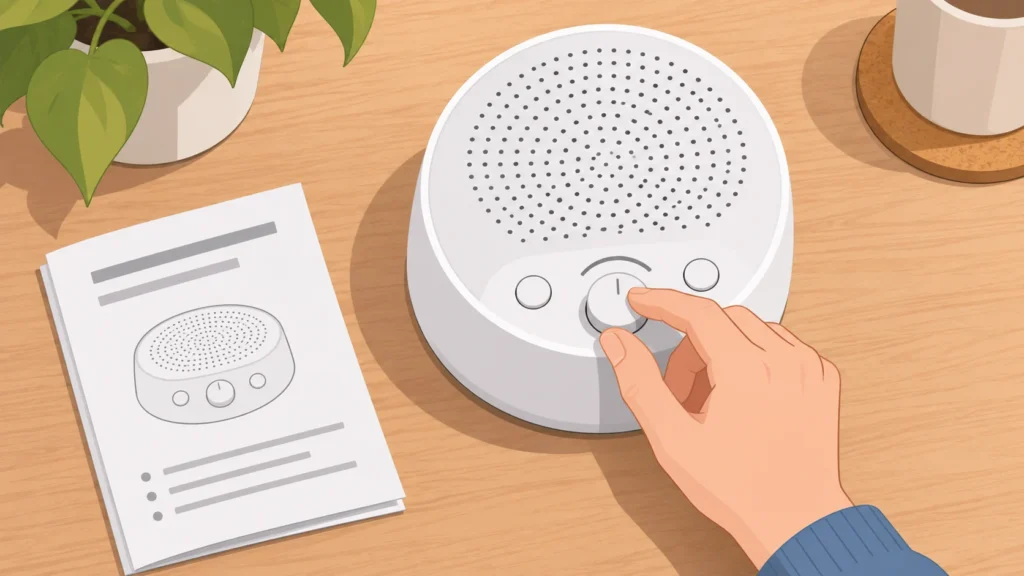
A machine can appear silent even when it has power if its sound is paused, turned down, muted or set to a timer that has ended. Read the button labels and manual before trying controls: a short press and a long press can do different things. The A800 manual, for instance, describes a long press to turn sound on or off and a short press to play or pause; it also describes volume buttons and a timer. Do not assume another model uses the same button sequence. Check the A800 control instructions if that is your model.
- Use the manual’s normal sound-on procedure, then check whether the sound is paused.
- Raise the volume gradually using the machine’s own controls. Check that it has not been turned all the way down.
- If it has a timer, check whether the selected period has ended; disable or reset it according to the manual.
- If the machine offers multiple sounds, try another sound setting at a low, audible volume. This can help distinguish a selected-sound issue from a problem affecting all playback.
Illustrative example: You press a sound button and see a light, but hear nothing. Instead of assuming the speaker has failed, check the model’s instructions for whether that button pauses playback, changes the sound category or requires a long press to start. Then raise the volume and try another setting. This is a way to narrow down the cause, not proof that any particular component is working.
3. Identify how your machine makes sound
Not every white noise machine produces sound in the same way. Some use a speaker to play recorded sounds; others make sound mechanically. Yogasleep describes its Dohm machines as fan-based, using a real spinning fan rather than a digital audio file. If you have a fan-based model, a speaker-specific fix may not apply; use its own controls and instructions. Yogasleep explains the Dohm’s fan-based design.
For any model, listen from nearby in a quiet room and check that the sound is not simply set very low. If you can hear a faint sound, adjust volume or tone only as the manual allows. A fan-based machine may have physical adjustments, while a speaker-based model may have sound-selection and volume controls. Do not take the housing apart to inspect a speaker or fan: the supplied sources do not establish safe internal repair steps.
4. Check connections without forcing them
For a model with a separate power cable, disconnect and reconnect it only as its instructions permit, checking for a secure fit and visible damage. If it has a headphone or audio connection, check the manual to confirm whether that connection affects its built-in sound. Do not assume a socket is an audio output—or connect accessories just to test it—unless the manual identifies it as one. Keep liquids away from the device and follow its care instructions.
Some controls or indicators may be difficult to notice in a bright room. Check the manual for what the indicator means rather than treating any light as proof that sound is playing. On the A800, the manual describes a power-on prompt when the machine is connected; that behavior is specific to that model and should not be expected from other machines.
5. When to stop troubleshooting
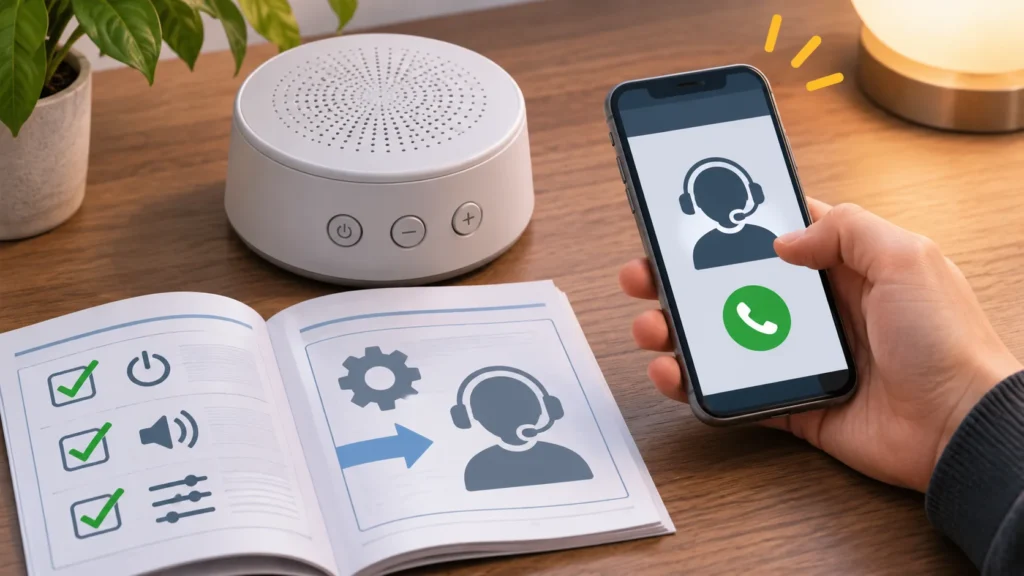
Stop using the machine if it has a damaged cable or casing, shows signs of liquid exposure, or behaves abnormally such as becoming unusually hot. Do not open it, bypass a safety feature, or substitute a power adapter with unknown specifications. If the manufacturer’s basic checks do not restore operation, contact the seller or manufacturer with the model name, what happens when you try to turn it on, and which checks you have already completed. Ask about repair, warranty coverage or replacement options; terms depend on the actual seller and product.
If you are deciding whether to replace a machine, compare its power arrangement and controls with your needs rather than assuming every model works alike. The Top Picks guide to white noise machines is the place to compare options; this troubleshooting guide is intended to help you check an existing device first.
Quick summary
Check the correct power source and safe connections first. Then confirm that sound is on, audible, not paused or muted, and not stopped by a timer. Try another sound setting if the manual allows it, and account for whether your machine uses a speaker or a fan. If there is damage, unusual heat or no improvement after basic checks, stop and seek model-specific support rather than opening the device.