





How to Set Up a Tripod for Stable Long Exposures
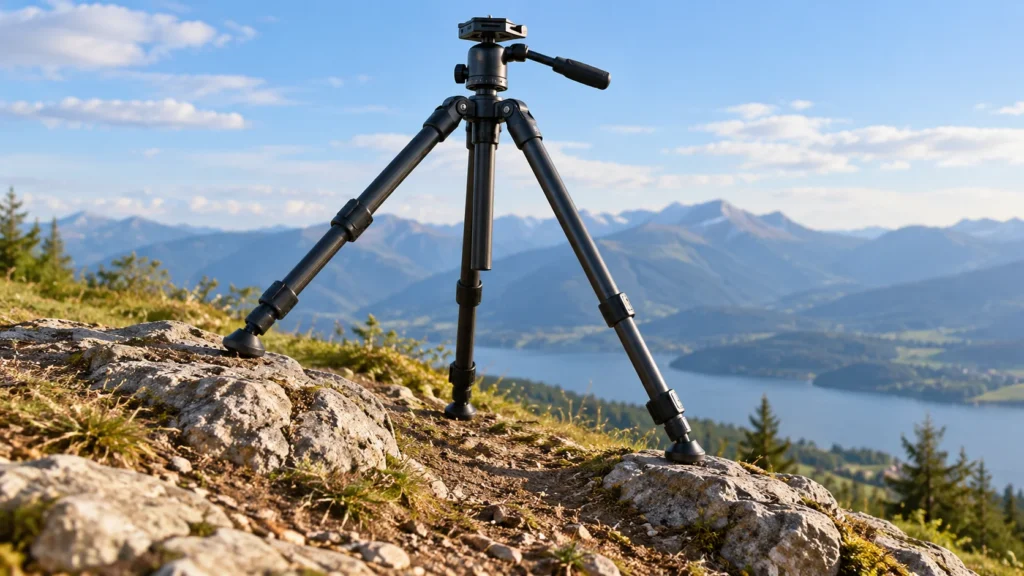
A tripod gives your camera support, but it does not guarantee a sharp long exposure. A foot that can slip, a leg lock that is not fully engaged or a camera that moves when you press the shutter can all undermine an otherwise careful setup. Work from the ground up: choose a firm position, build a stable base, secure the camera, then check the complete system before exposing.
The routine below is intended for ordinary photography tripods and still-camera setups. Follow the instructions for your own tripod and head if their locking or mounting systems work differently. For help choosing equipment, see our best photography tripods Top Picks guide; this guide focuses on setting up whichever suitable tripod you already have.
1. Choose a firm position before extending the legs
Look for a spot where all three feet can rest securely without rocking, sliding or sinking. A hard, level surface is straightforward, but an uneven path or soft ground may require you to adjust each leg separately or move to a better position. Avoid placing a foot on loose stones, a narrow edge or anything that shifts under gentle pressure. A setup that feels secure at first can become less reliable if a leg settles during a long exposure.
Set the tripod down where you can frame the scene without stretching a leg awkwardly or placing a foot in the way of people. On uneven ground, change the individual leg lengths and, where your tripod allows, the leg angles until every foot has contact. The general setup advice in Focal Crafters’ tripod setup guide also recommends adjusting leg lengths for the surface and checking whether the setup shifts. Treat that as a practical check, not a substitute for your tripod’s manual.
Use the feet suited to the surface if your tripod offers interchangeable feet. Do not assume a particular foot will grip every kind of ground; check how the feet sit and whether they slide before mounting the camera.
2. Build the base with the legs, not the center column
Open the legs to a stable stance, then extend only as much leg length as the composition requires. If your tripod has several telescoping sections, a general setup guide suggests extending the thicker sections before the thinner ones, where the design permits it. Whatever order you use, make sure each lock is fully secured before moving on. Focal Crafters describes both leg-section setup and checking the locks; the lock mechanism and correct operation vary by tripod, so use the manufacturer’s directions for yours.
Leg-angle adjustments can help you fit the base to uneven ground or make a lower setup. Set the angle using the tripod’s release or adjustment mechanism, and confirm that the leg has locked in its selected position. Some tripods offer multiple leg angles: for example, a Digital Camera World review of the Benro Cyanbird describes three available locking angles. That is a model-specific example, not a feature to expect on every tripod.
Keep the center column lowered whenever the framing allows. Raising it adds height without widening the base, so it is a poor first choice when you are trying to reduce movement. Extend the legs to a comfortable shooting height first; if the column is still needed, raise it only as far as necessary and secure its lock. The same general stability concern is noted in Focal Crafters’ discussion of center-column extension. Some tripods have a removable or split column, but the procedure differs by model; do not dismantle yours unless its instructions explain how.
Before attaching the camera, gently press the top of the tripod in different directions. Watch for a foot that slides, a leg that settles or a lock that shifts. This is not a measurement of how sharp the final image will be; it is a quick way to spot an obviously unstable base while the camera is still off the tripod.
3. Secure the camera and settle the framing
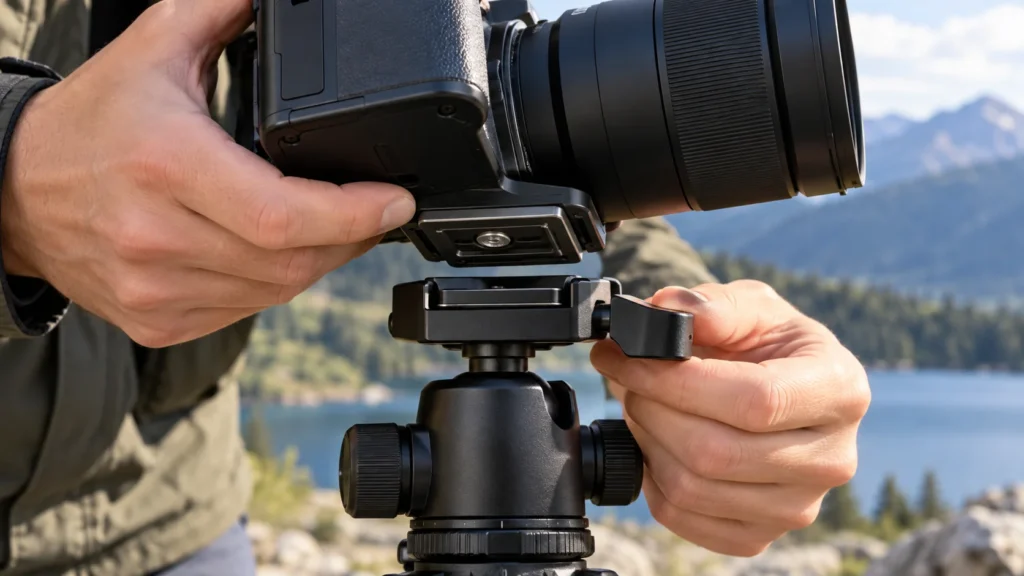
Attach the quick-release plate, if your head uses one, to the camera’s tripod socket. Tighten it until it is secure without forcing the screw. Fit the plate fully into the head’s clamp and engage the clamp according to its design. Keep a hand on the camera until you have confirmed that the plate is seated and locked. A plate that looks aligned but is not fully captured by the clamp can still move.
Once mounted, hold the camera gently while checking for play between the camera, plate and head. Tighten the relevant head locks and confirm the framing again. If the camera or lens points off to one side and the setup begins to feel unbalanced, reposition the tripod or adjust the framing rather than leaving a heavy assembly to pull against a loose head. Observe any load limit and mounting instructions supplied with your gear; do not infer safe support from appearance alone.
Look for anything touching the camera or tripod that could transmit movement: a strap brushing a leg, a cable pulled taut or a bag resting against the setup. Arrange cables with slack and keep yourself clear of the tripod once the exposure is ready.
4. Check the setup, then trigger without touching it
With the camera mounted, repeat a gentle stability check while keeping a hand ready to catch it. Watch the feet and joints, and make sure the camera does not shift when you release it. If the head creeps, a leg moves or the base rocks, correct the cause before shooting. Re-seat the feet, readjust a leg or tighten the appropriate lock; do not try to cure a loose connection by simply holding the camera still during the exposure.
When possible, start the exposure without pressing the camera’s shutter button: use a remote release, or set the camera’s self-timer and step back before it fires. These approaches are recommended for reducing movement from shutter-button contact in All Camera Solutions’ long-exposure setup advice. Follow your camera’s instructions for the release options it supports. If you must touch the camera, do so gently and avoid contacting the tripod during the exposure.
Do not assume a weight hook makes every setup more stable. If your tripod has one, a freely swinging or off-center load could itself disturb the camera. Use an accessory only as the tripod manufacturer directs, keep it from swinging and check the base again afterward. A hook is not a replacement for firmly planted feet or secured locks.
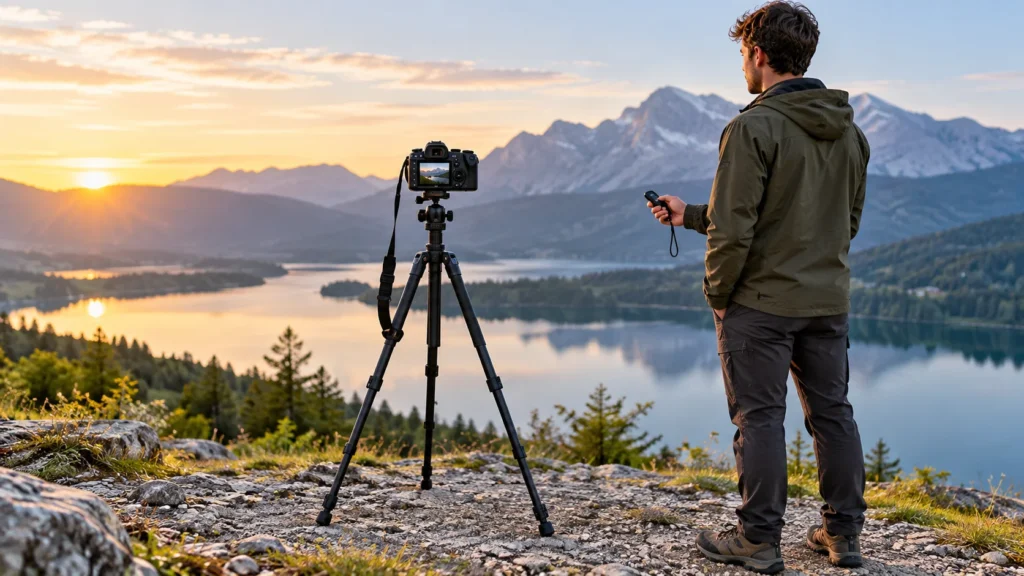
Illustrative example: check the setup at a breezy overlook
You have placed a camera on a tripod for a long exposure, and a breeze begins to stir its strap. Instead of proceeding because the legs appear open, first make sure the strap cannot flap against the tripod. Confirm that all three feet remain planted, the leg locks and head are secure, and the center column is lowered if the composition allows. Then step back and use a self-timer or remote release. If the camera still shifts or the tripod moves in a gust, change position or wait for calmer conditions rather than assuming the setup is stable enough.
Adapt the routine to the tripod you have
No setup routine can make every tripod equally steady in every location. A compact travel tripod, an extended column, a heavy camera-and-lens combination, soft ground or gusty weather can all change how secure a setup feels. Review your tripod’s manual for its leg locks, angle adjustments, feet, mounting clamp and any load guidance. If the setup cannot pass a gentle stability check, lower it, reposition it or choose a more secure support before taking the long exposure.
The useful habit is simple: secure the ground contact first, keep extra height from the center column to a minimum, verify the camera’s attachment, and check for movement before triggering. Repeating those checks is more dependable than relying on a tripod’s appearance alone.