





How to Choose a Power Adapter for a Wireless Pad
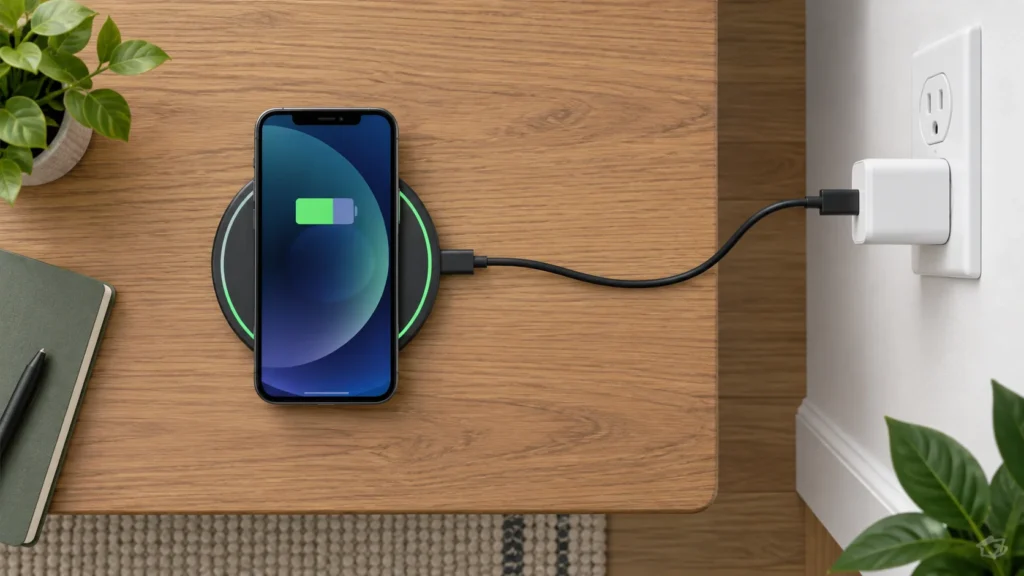
A wireless charging pad still needs a wired power path: wall outlet, power adapter, cable, pad and phone. Choosing the right adapter means matching that entire chain rather than buying the highest-wattage plug available. The goal is an adapter that meets the pad’s stated input requirements and supports the charging mode you actually want.
Start with the pad’s exact model number and its manual or product page. General claims about a brand or charging standard are not enough: manufacturers can specify different requirements for different pads, stands and multi-device stations. If you are comparing several options, TheTopZone’s related charging-pad Top Picks can help you identify whether an adapter is included, but verify the selected model’s own documentation before purchasing a replacement.
Start with the pad’s input rating
Look for wording such as “input,” “required adapter,” or “power supply” on the pad, packaging or manual. This is the specification that tells you what the pad expects from its adapter. Do not confuse it with the pad’s advertised wireless output. A pad may advertise a wireless charging mode in watts while requiring a different amount of power at its USB input.
Record three details:
- Input wattage: the minimum or recommended power listed for the pad, if provided.
- Input voltage and current: values such as 5 V, 9 V or a range of supported profiles.
- Connector: USB-C, USB-A or a permanently attached plug.
Use the exact model’s manual when possible. This matters particularly for stands and multi-device chargers. A single-device pad may have modest requirements, while a station charging several devices can specify a larger adapter. A charger that powers one coil adequately is not automatically suitable for a multi-device model.
Match wattage without overbuying
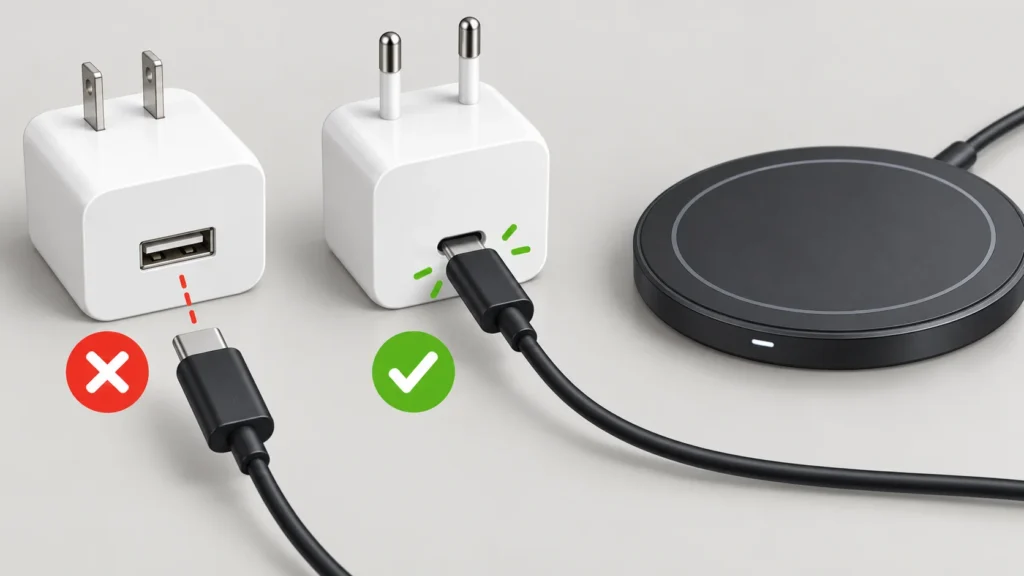
Adapter wattage is its available power capacity, not a promise that the phone or pad will continuously draw that amount. The pad and phone negotiate or limit charging according to their supported designs. An adapter with more capacity than the pad requires may work when the connector and charging protocol are also compatible, but it will not by itself make an unsupported pad charge faster.
Conversely, an adapter below the pad’s stated requirement can lead to reduced performance, an inability to use a higher charging mode, or intermittent operation. The safest buying rule is simple: meet the pad’s documented requirement, then choose a little additional capacity only when the manufacturer permits it and the connection standard matches.
Illustrative compatibility example: Assume a pad’s manual specifies a USB-C input requiring 18 W and identifies a compatible USB-C power-delivery profile. An adapter labelled USB-C PD, 20 W, satisfies the stated capacity in this example. An adapter labelled 5 W does not meet the stated input, even though both adapters may have the same USB-C connector. This is a specification check, not a measured charging result.
Understand QC, USB-C and other labels
USB-C describes the connector, not necessarily the charging protocol. Two USB-C adapters can offer different voltage profiles, power limits or fast-charging standards. Likewise, a USB-A adapter may be suitable for one pad but not another. Match the pad’s documented protocol and the cable’s connectors at both ends.
Quick Charge, often abbreviated QC, is one example of a charging protocol. The supplied iMore charging-pad guide gives a model-specific warning through its product descriptions: some listed pads specify a QC adapter for their faster mode, and some packages include that adapter. Treat that as information about those products, not proof that every wireless pad needs QC. Read the exact pad documentation and look for terms such as QC, USB Power Delivery or PD, rather than assuming one can substitute for another.
If a manual lists several compatible input profiles, choose an adapter that explicitly includes at least one of those profiles. If it lists only a connector and wattage but no protocol, do not infer a fast-charging standard from the connector alone. When documentation is unclear, a manufacturer-supplied replacement or the adapter sold with the same model is the lower-risk choice.
Check the complete power path
An adapter cannot compensate for a mismatched or unsuitable cable. Check the cable supplied with the pad, or confirm that a replacement cable supports the adapter’s connector and the required power profile. For example, a USB-C pad may need a USB-C-to-USB-C cable, while an older pad may use USB-A at the adapter end. The pad’s manual should take priority over assumptions based on appearance.
Then inspect the wall-side arrangement:
- Adapter included: use the included unit first, especially when the manual identifies it as part of the required system.
- Adapter not included: buy one that meets the pad’s input rating and protocol, not merely one advertised for phones.
- Multi-port adapter: check whether its stated output changes when more than one port is used. A shared adapter may have enough total capacity on paper but allocate it differently between ports.
- Computer or monitor USB port: do not assume it provides the pad’s required profile or power. A wall adapter is preferable when the pad documentation calls for a dedicated supply.
Also check whether the pad has a detachable cable. If the cable is fixed, replacing the adapter may not solve a damaged or incompatible cable. If the pad uses a proprietary barrel connector or power brick, use the manufacturer’s specified replacement rather than trying to match voltage by guesswork.
Do not chase the phone’s maximum
Your phone’s wireless charging capability is a separate limit from the adapter’s capacity. The iMore guide, for example, lists different wireless charging limits for different iPhone generations and describes pads that automatically adjust among several charging levels. That illustrates why a higher-rated adapter is not a universal speed upgrade: the phone, pad and adapter must all support the same mode. Confirm current phone and pad compatibility in their manufacturers’ documentation.
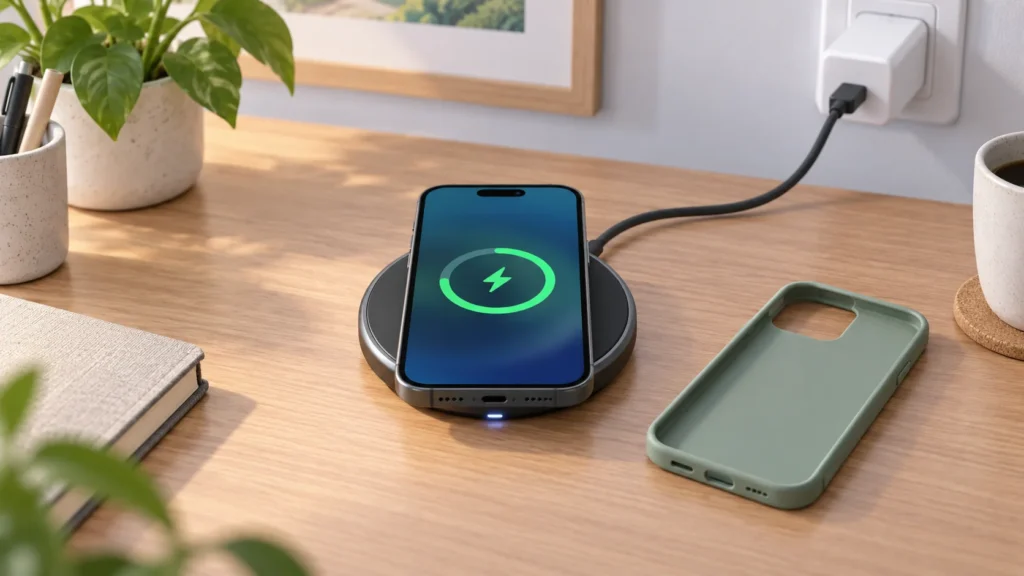
Cases and alignment can also affect whether charging starts or reaches the expected mode. A general Qi setup guide recommends centering the device and checking whether a thick or incompatible case interferes; it also treats the pad, cable and adapter as one charging system. Read the NerdyTechBlog Qi setup explanation as a general setup reference, not as a substitute for the exact pad manual.
Avoid common buying mistakes
- Buying by connector alone: USB-C does not establish wattage or protocol compatibility.
- Buying by the largest number: a 65 W or 100 W adapter is not automatically better for a pad with a lower documented requirement.
- Ignoring the included adapter: replacing it without checking the manual can remove a required QC, PD or voltage profile.
- Assuming every phone supports wireless charging: verify the phone model itself. A troubleshooting article citing Samsung’s official specifications notes that the Galaxy A36 5G is listed for wired charging only, so an adapter cannot make that phone charge wirelessly. Read the model-specific explanation.
- Using damaged equipment: stop using an adapter, cable or plug with visible damage, looseness, heat damage or liquid exposure.
A practical buying decision
For a replacement, write down the pad’s exact model, required input, connector and protocol. Next, compare those four items with the adapter label. If all four match, the adapter is a sensible candidate. If one is missing—especially voltage, protocol or the required cable—pause and locate the manual or manufacturer support page before buying.
Choose the manufacturer’s replacement when the pad uses a proprietary supply, has multiple charging positions, or documents a specific adapter model. For a simple USB pad with clearly documented input requirements, a reputable adapter that explicitly meets those requirements is usually the more economical route. Separate the costs: the initial adapter purchase is one expense; replacement cables and any electricity used during charging are ongoing expenses. Do not treat an advertised maximum wattage as a measured energy cost or charging result.
Finally, test the complete setup after connecting it: the pad should receive power, the phone should indicate charging, and the arrangement should remain stable without abnormal heat or repeated start-and-stop behavior. If it fails, recheck the outlet, cable, adapter profile, pad alignment and phone compatibility in that order. A higher-wattage adapter is not the first remedy unless the pad’s documentation shows that the original adapter is under-specification.